BotCom

Keep it all running from anywhere.
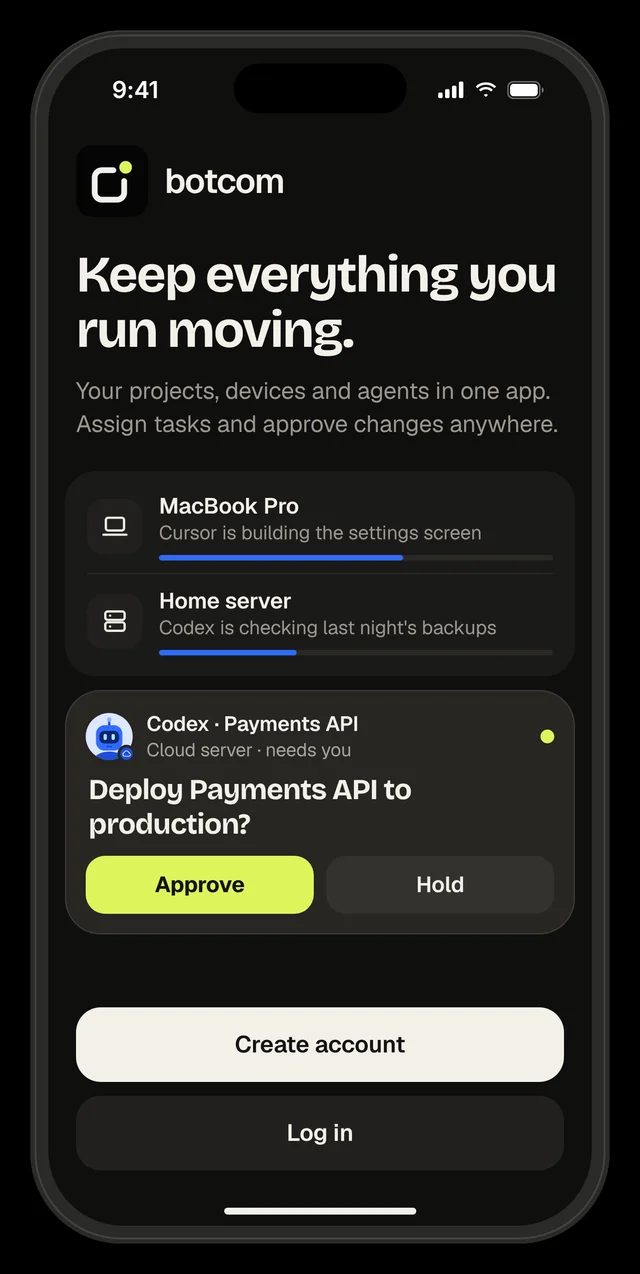
BotCom is one app for every project, machine and agent you run. Assign tasks, approve changes and check on every device from your phone, without going back to your desk.
One place for everything you run.
Laptops, servers at home, machines in the cloud. Every agent and every project on them shows up in one list, with what it's doing and whether it needs you.
It works with the agents you already use, from coding assistants to research and infrastructure jobs, on any machine you pair.
- Needs your decision
- Work in progress
Needs you
Running
Deploy to production?
- Staging checks
- Passed
- Change
- Retry for failed webhooks
Approve changes from anywhere.
When an agent needs a yes, a no or a choice, it becomes a task card. Routine progress stays inside the chat, so your phone only asks for what is yours to decide.
The lime character only turns up when something is waiting on you. Try the buttons.
Set up once. Run it from anywhere.
Create an account on your phone, install BotCom on a machine, then pair the two. Connecting your own machines is free.
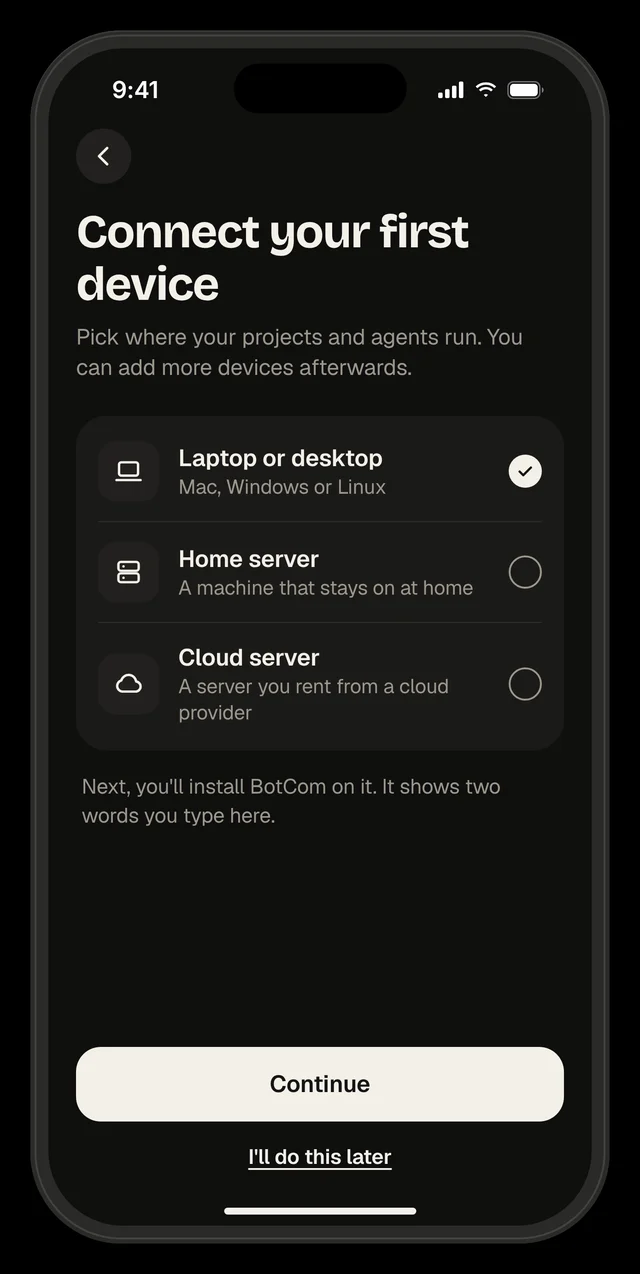
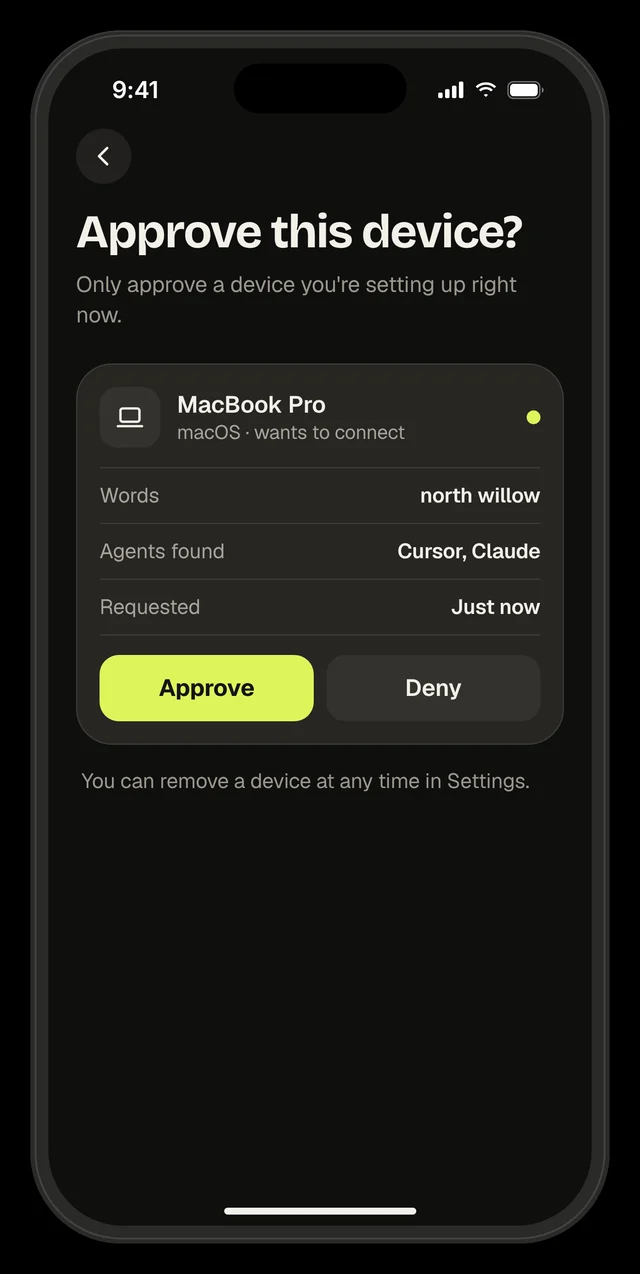
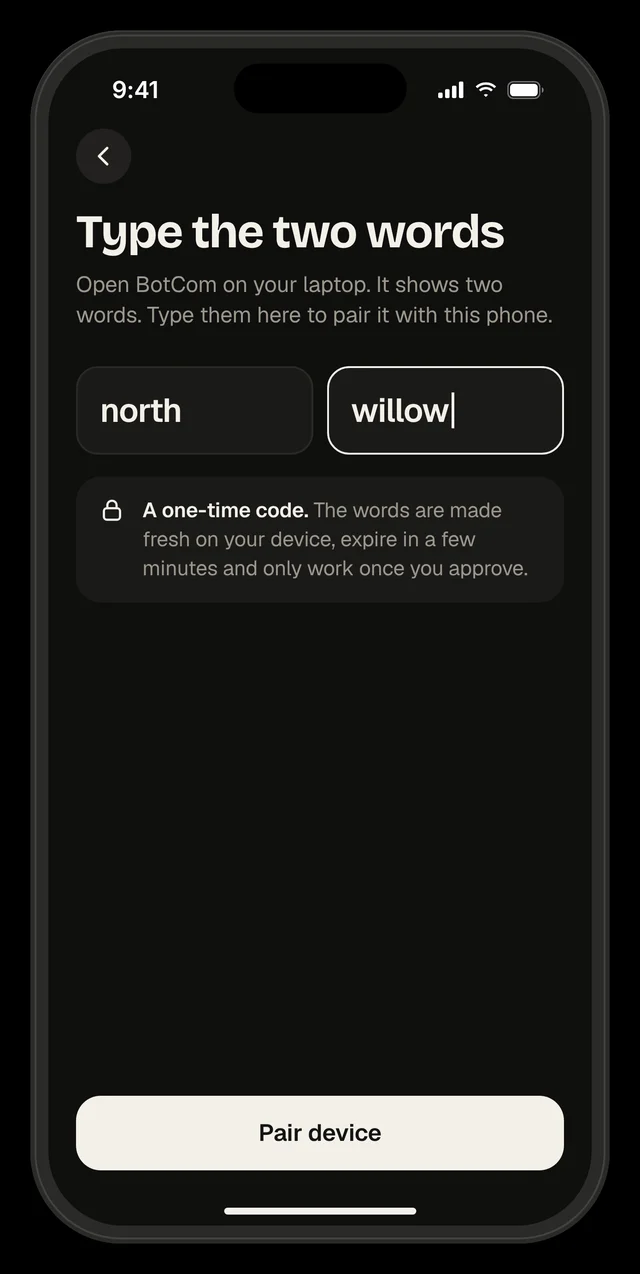
Pair a machine with two words.
The machine shows a short phrase. Type it on your phone and approve.
It is a one-time code: made fresh on the device, it expires in a few minutes and only works once you approve.
Be one of the first to run it.
Early access opens to a small group first. Leave your email and we'll write when your place is ready.